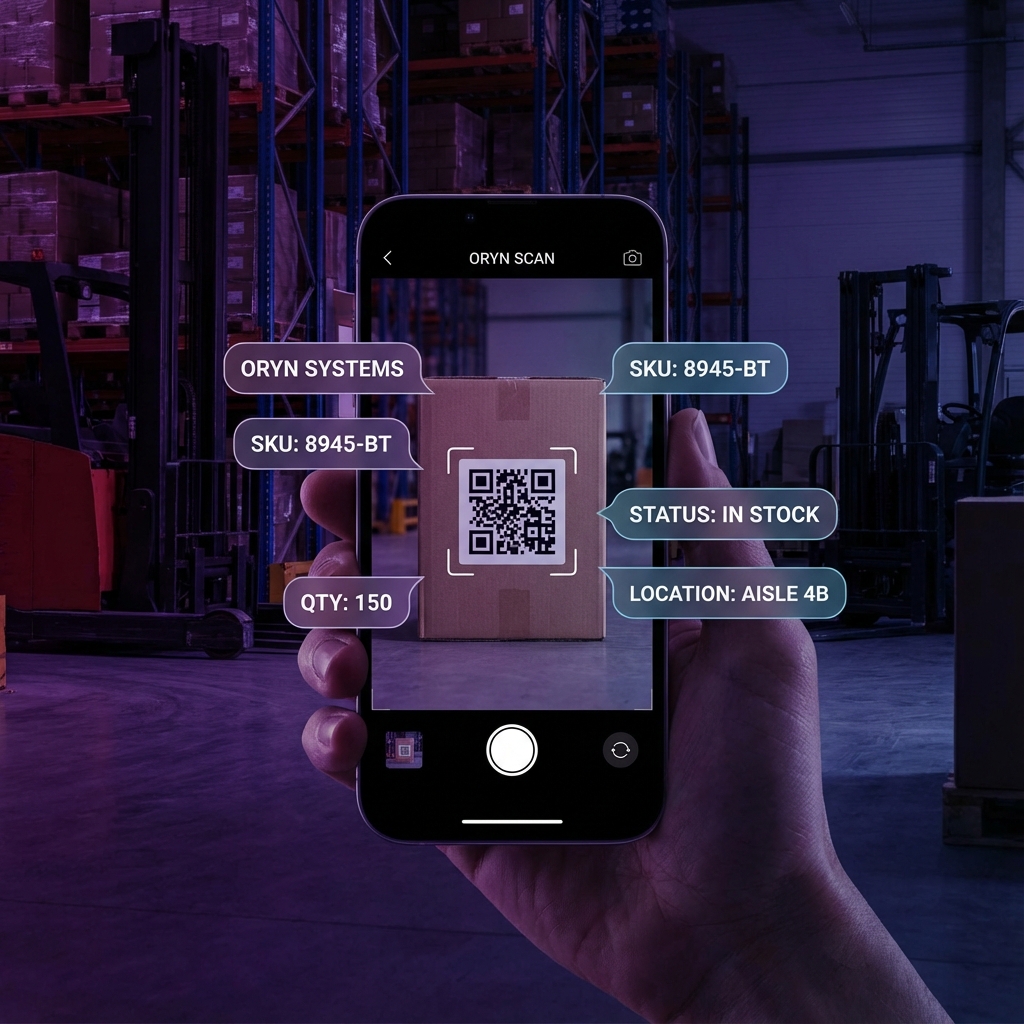
Scan Your Way to Efficiency
QR codes are at the heart of Oryn's inventory management system. With a simple scan, you can instantly access item details, record movements, update quantities, and track location changes—all in seconds.
Whether you're using our mobile app, a dedicated scanner, or your computer's webcam, Oryn's QR system adapts to your workflow and helps you manage inventory faster than ever.
Key Capabilities
Generate QR Codes
Create unique QR codes for every item, batch, or location with your choice of data fields and label designs.
Flexible Printing
Print single labels or bulk sheets. Supports standard label printers, thermal printers, and regular paper.
Mobile Scanning
Use your phone's camera to scan items instantly. Works offline and syncs when you're back online.
Barcode Support
Already have barcodes? Oryn reads UPC, EAN, Code 128, and other standard formats alongside QR codes.
How to Generate QR Codes
1. Select Items
Navigate to Inventory → Generate QR. Choose to create codes for a single item, multiple selected items, or an entire category.
2. Choose Fields to Display
Select which information appears on your labels—item name, SKU, location, quantity, custom fields, and more.
3. Customize Design
Pick a label template, adjust size and layout, and add your company logo for branded labels.
4. Print or Download
Send directly to your connected printer or download as PDF. Print single labels or full sheets for bulk labeling.
Scanning in Action
Instant Item Lookup
Scan any QR code to immediately see all item details, current quantity, location history, and associated documents.
Quick Stock Adjustments
Scan to record additions, removals, or transfers. Update quantities in real-time without navigating through menus.
Cycle Counting
Scan items during inventory counts to automatically compare physical counts against system records and flag discrepancies.
Order Fulfillment
Scan to pick items for orders. Oryn automatically updates inventory and generates packing lists for shipment.
Best Practices
Use Durable Labels
For warehouse environments, use waterproof or laminated labels that can withstand handling and temperature changes.
Label Locations Too
Generate QR codes for shelves, bins, and zones. Scan locations to see everything stored there instantly.