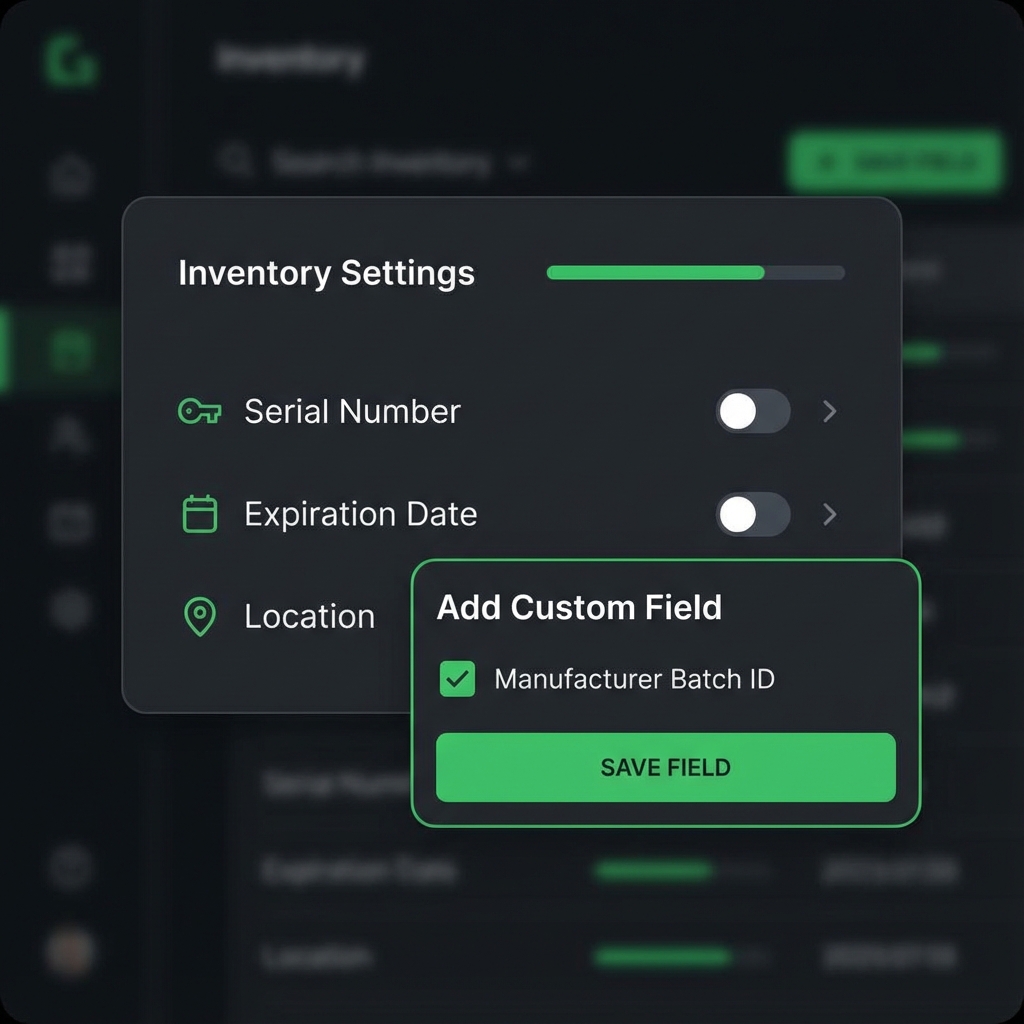
Tailor Your Inventory Data
Every business is unique, and your inventory management system should reflect that. Oryn's Custom Fields feature empowers you to extend your inventory data model without any technical knowledge or waiting for software updates.
Whether you need to track manufacturing dates, color variants, supplier-specific codes, or industry-specific certifications, Custom Fields gives you the flexibility to capture exactly the data you need.
Key Capabilities
Multiple Field Types
Create text, number, date, dropdown, checkbox, and multi-select fields to capture any type of data.
Conditional Logic
Show or hide fields based on category, location, or other field values for a streamlined data entry experience.
Advanced Filtering
Use custom fields in searches and reports to find exactly what you're looking for instantly.
Validation Rules
Set required fields, minimum/maximum values, and format patterns to ensure data quality.
Real-World Applications
Manufacturing & Production
Track batch numbers, production dates, quality grades, and certification status for each manufactured item.
Retail & E-commerce
Manage size, color, material, season, and vendor-specific product codes across your entire catalog.
Healthcare & Pharmaceuticals
Record NDC codes, storage requirements, regulatory approvals, and handling instructions.
Food & Beverage
Monitor allergen information, nutritional data, organic certifications, and country of origin.
How It Works
1. Access Settings
Navigate to Inventory Settings and select "Custom Fields" from the configuration menu.
2. Create Your Field
Choose your field type, set the name, and configure options like dropdown values or validation rules.
3. Assign to Categories
Apply fields to specific product categories or make them available across your entire inventory.
4. Start Using
Your new fields immediately appear on item forms, ready for data entry and reporting.